¶ Tutorial: Map Editor Plugin
In this tutorial we are about to write a simple mapeditor plugin to count the used blocks in a map. You can edit everthing in the code-editor of the mapeditor, but I suggest you to take a look of few community build tools to ease the writing of the plugin:
- Active club edition of the game, if you have free or standard tier, please update for club edition before continuing.
- Install OpenPlanet at openplanet.nl
- Install vscode and setup the maniascript-support extension
¶ Setup of maniascript-support plugin
You need to extract doc.h from Trackmania to get the latest ManiaScript API completions working with the extension.
1. Create a new folder: use c:\tmdev for example to hold the documentation, but it can be anywhere.
2. Make a new shortcut for the game executable (you find it in your uplay folder) and give it some fancy name (like "trackmania - gendocs") set the starting parameters to following:
trackmania.exe /generatescriptdoc=c:\tmdev\doc.h3. Run your shortcut. if successfull, you get a window saying: press anykey to continue.
4.Double check doc.h is generated at c:\tmdev\
¶ Configuration
Next thing is to configure the extension:
1. Easiest way to get settings is to Ctrl + P and start typing > settings, other way around is from File->Preferences->Settings->Extensions->ManiaScript.
2. Add following lines to the settings.json:
"maniascript.apidocPath": "C:\\tmdev\\doc.h",
"maniascript.useManiaplanetApi": false,3. Done!
¶ Designing the UI
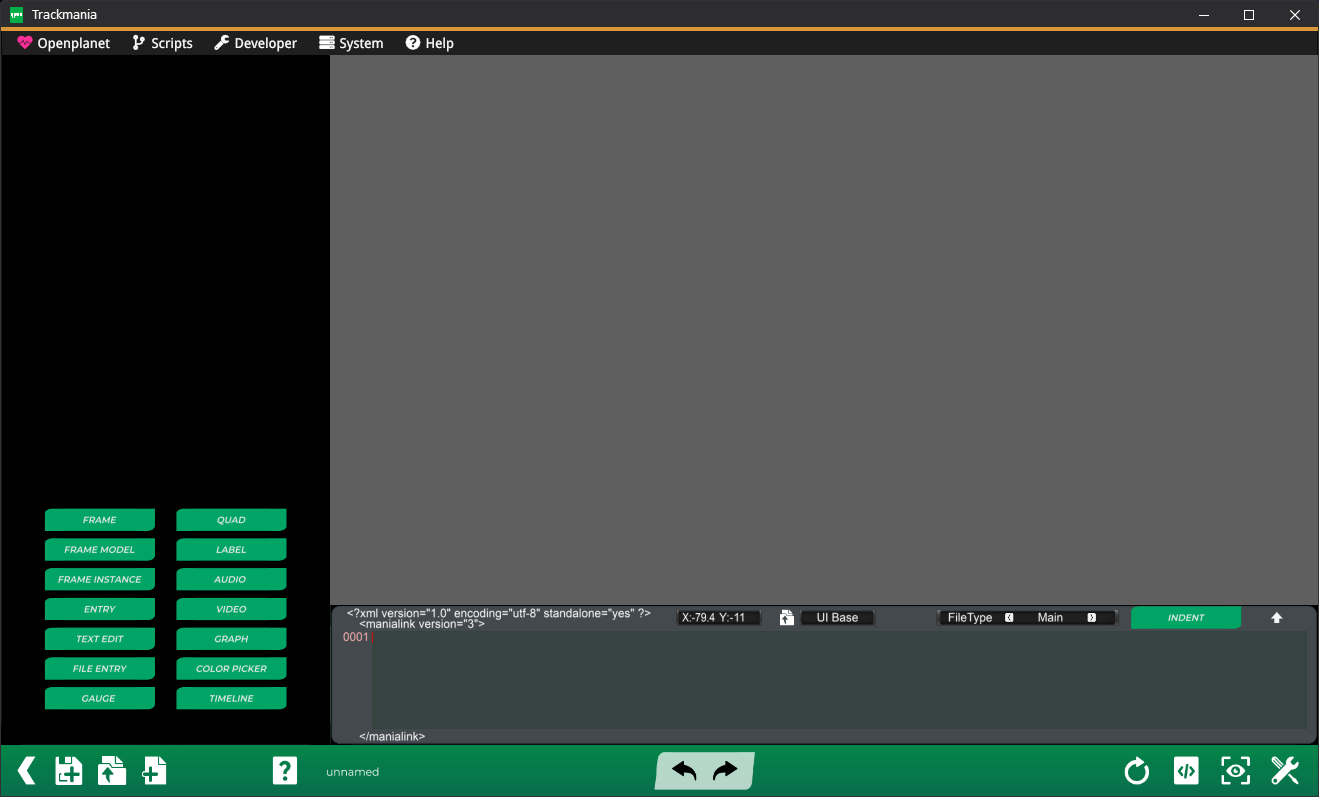
Accessign the interface desginer on tm2020 you need openplanet. When you are in the game main menu.
Press F3and select Script → Classic menus → Editors
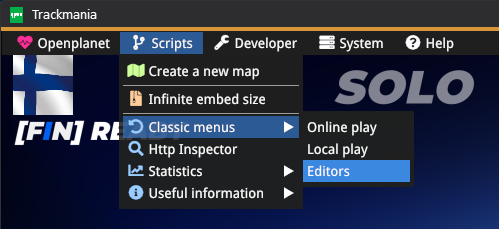
And the opening view select Title tools → Interface designer which will get you in interface designer.